If you've seen phrases like “Claude is better than ChatGPT,” “200k token window,” or “Anthropic vs OpenAI” lately, you've probably felt the same as many others: you have no idea what any of this means.
And that's not your fault. The AI world moves so fast that technical terms scare more than they help.
This article is for you if you are not a programmer, don't know what an API is, but want to use Claude to grow your business without dying in the process or spending too much.
Let's go step by step.
What is claude? (Explained like you're 15)
Claude is an artificial intelligence assistant created by a company called Anthropic. It's like ChatGPT, but with three key differences:
- It can read much longer documents (an entire 300-page book in one go).
- It's more careful with answers (it was trained not to make things up).
- It shows you how it thinks (you can see its reasoning step by step).
Useful analogy: If ChatGPT is a fast assistant that gives you short answers, Claude is a senior analyst who takes their time, reads all your documents, and gives you deep, well-founded answers.
What's it useful for in a real business?
- Analyzing long contracts without reading them page by page.
- Summarizing 100-page financial reports into 5 key points.
- Writing professional emails, business proposals, or customer replies.
- Creating small tools (calculators, dashboards, automations) without knowing how to code.
The complete claude Ecosystem (The 4 fronts)
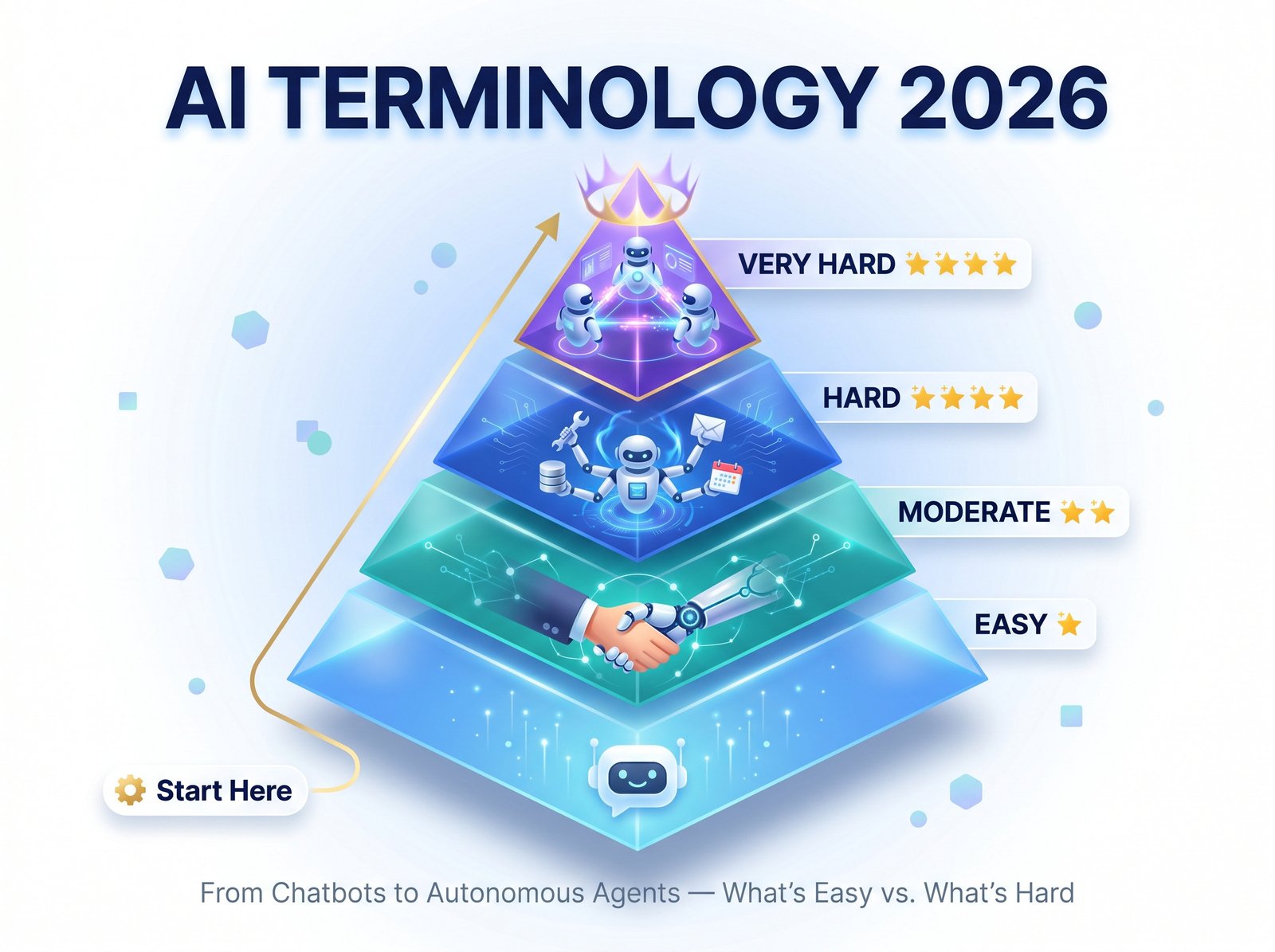
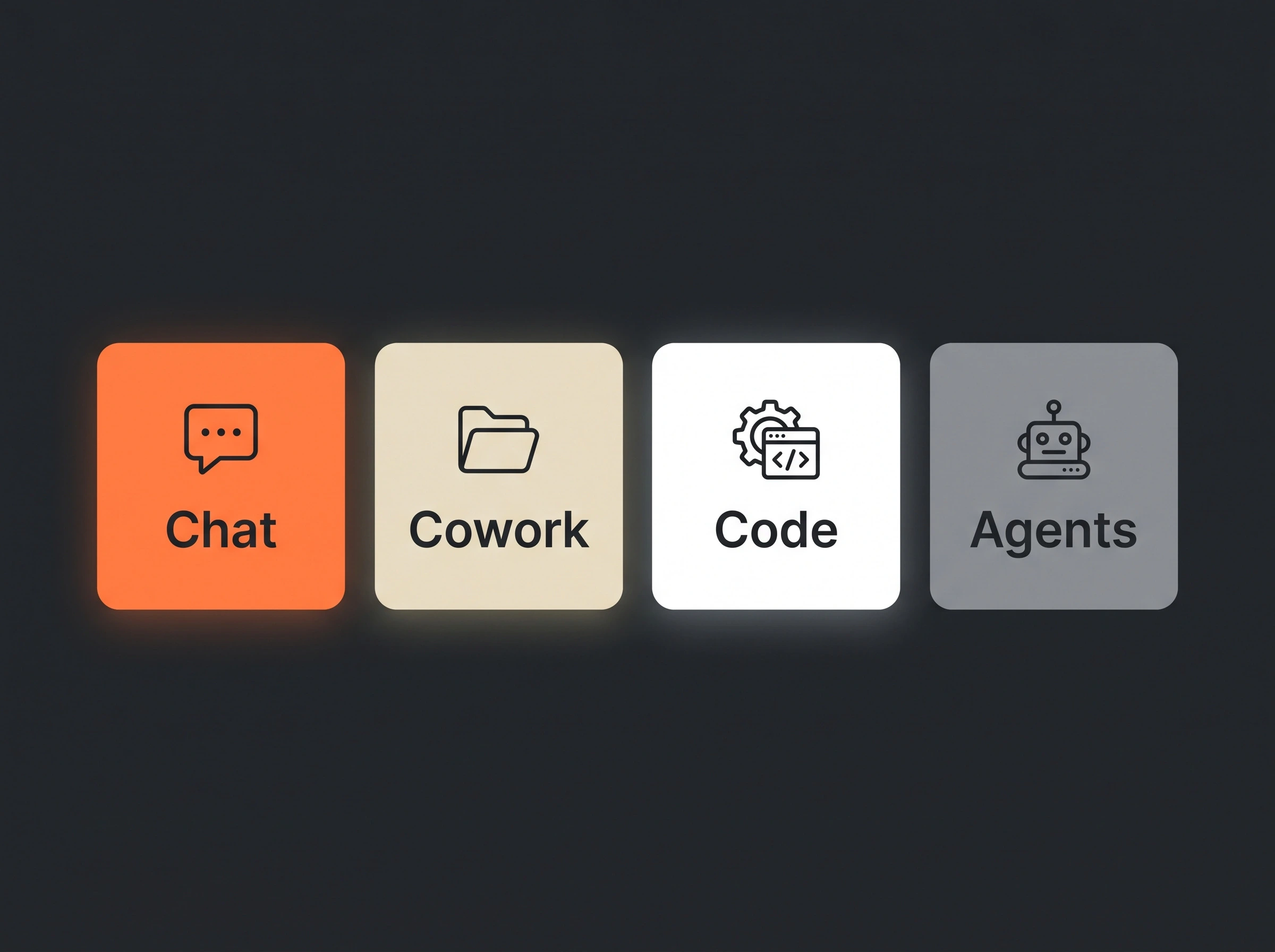
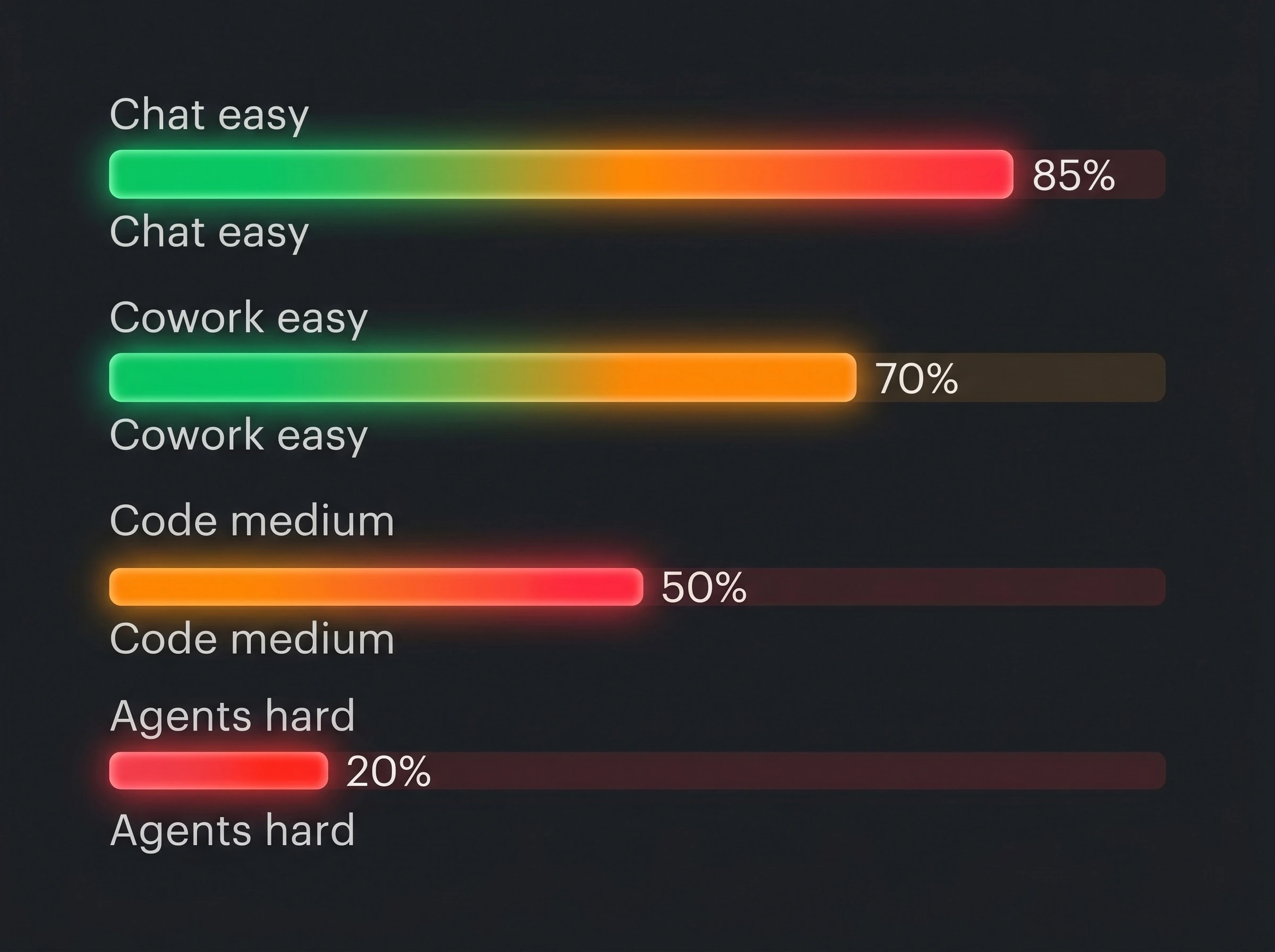
Claude is not just a chat. It has 4 ways to use it, each with a different difficulty level. Here's an explanation without technical jargon.
1. Chat – The Brain (Difficulty: Very Easy)
What is it? The basic version. Go to claude.ai, type, and it responds.
What business use cases?
- Responding to long customer emails.
- Summarizing meetings (paste the transcript and get the agreements).
- Brainstorming marketing ideas.
Real example (copy and paste this):
“I have a handmade candle business. Give me 10 Instagram post ideas about the benefits of soy candles vs paraffin. Be friendly and approachable.”
Result: Claude gives you 10 ideas with copy examples.
Watch out for costs: The free version has a daily message limit (about 20-30 conversations). If you use it a lot, you'll have to pay $20/month.
2. COWORK – The file Assitant (Difficulty: Easy)
What is it? You can upload PDFs, Word docs, Excel files, PowerPoints, even images, and Claude reads them, analyzes them, and extracts information.
What business use cases?
- Upload 20 supplier invoices and have it tell you how much you owe in total.
- Upload your 50-page employee handbook and ask “how many vacation days do I get?”.
- Upload a photo of a whiteboard with notes and have it convert them into an organized list.
Real example:
*[You upload your 15-page store rental contract as PDF]*
“Read this contract and tell me: when do I pay the deposit?, who pays for major repairs?, are there any unfair clauses?”
Result: Claude answers with the exact pages where it found each answer.
Watch out for costs: Uploading very large files (over 30MB) or many images can quickly use up your free messages. For heavy use, you'll need the paid plan.
3. CODE – The builder (Difficulty: Medium)
What is it? Claude writes code (programs) for you. You don't need to know how to code, but you do need to know what to ask for.
What business use cases?
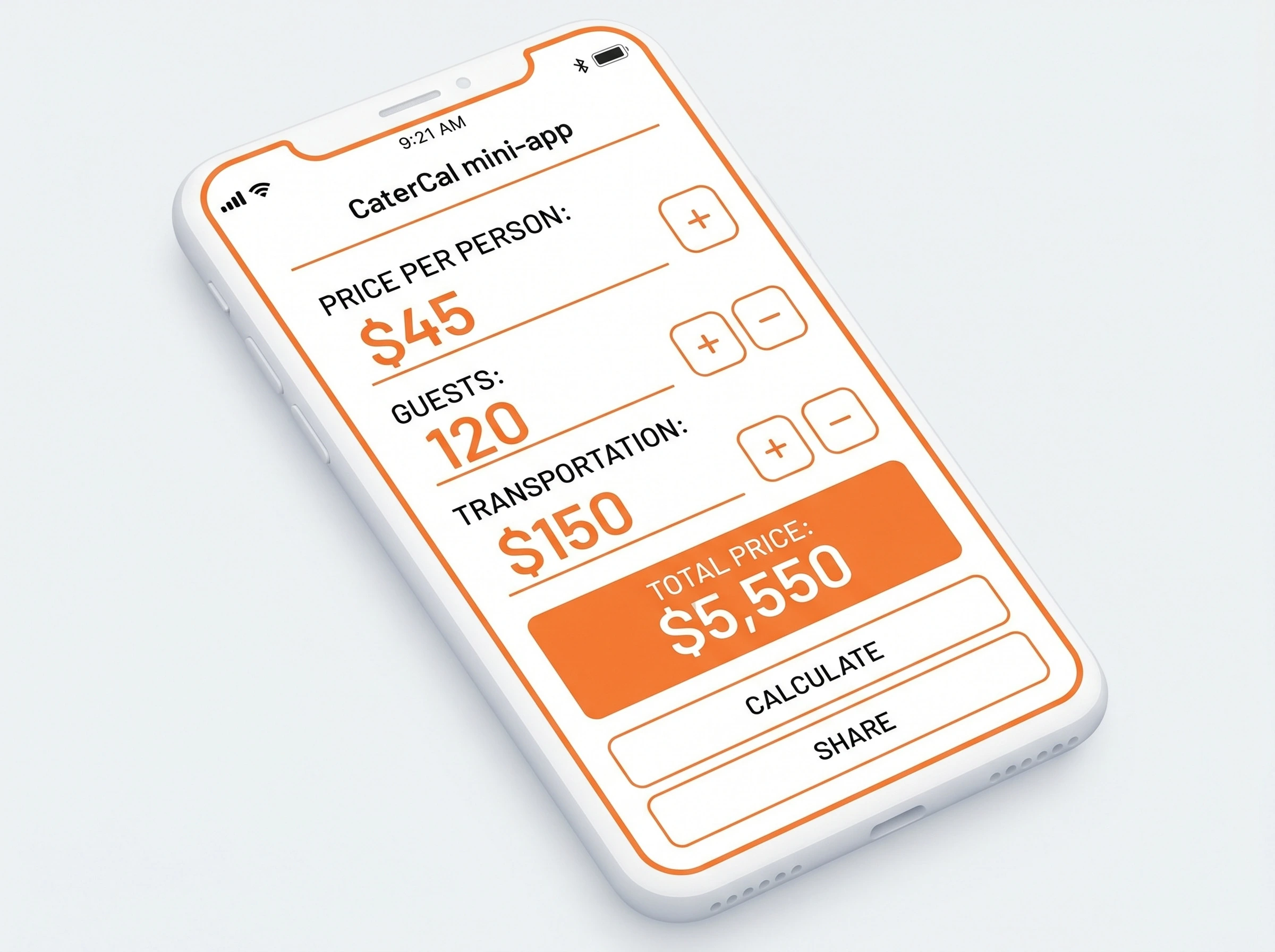
- Creating a pricing calculator for your website.
- Generating a dashboard that shows your sales in charts.
- Automating boring tasks (renaming 100 files, converting PDF to Excel, etc.).
Real example (you don't need to understand the code, just copy and paste):
“I want a simple calculator for my catering business. It should calculate: (price per person) x (number of guests) + (transportation cost). Give me the HTML, CSS, and JavaScript code so I can paste it on my website and it works.”
Result: Claude gives you the complete code. You copy it, paste it into a .html file, and you already have your working calculator.
Watch out for costs: This mode uses more “tokens” (Claude's unit of measurement) because responses are long. If you ask many coding questions, the free limit runs out quickly. Also, if the code fails, you'll need to know how to describe the error so Claude can fix it.
4. AGENTS – The Autonomous worker (Difficulty: Advanced)
Watch out for costs: This is NOT done from claude.ai for free. You need Anthropic's API (pays per use, between 0.25and 15 per million words processed) and programming skills. If you don't know code, hire someone. A badly configured agent can spend hundreds of dollars in a single day.
What is it? Claude can work alone 24/7 on repetitive tasks, but this is not for beginners. It requires setting up external tools.
What business use cases?
- Monitoring competitor prices every hour.
- Checking your email inbox and automatically replying to simple messages.
- Searching for potential leads on social media while you sleep.
Example (just so you know it exists, but DO NOT try this as a beginner):
“Set up an agent that checks every 4 hours if my products dropped in price on Amazon and notifies me via WhatsApp.”
My recommendation: Ignore this front until you've used Chat, Cowork, and Code for at least 3 months.
Summary table: Which front is right for you based on your level?
| Front | Difficulty | Do you need it? | Approximate cost |
|---|---|---|---|
| Chat | Very easy | Always | Free (basic) / $20/month (unlimited-ish) |
| Cowork | Easy | If you work with PDFs, invoices, reports | Same as Chat |
| Code | Medium | If you want to automate or build tools | Same as Chat + patience |
| Agents | Advanced | Only if you have a large business and a coder | API: from $0.25 per use |
Watch out for costs: What no one tells you
Most articles sell Claude as “free and easy.” It's not quite like that. Here are the real warnings:
1. The free version has strict limits
- About 20-30 messages per day (depends on length).
- If you upload long documents, you use more messages.
- When you hit the limit, you have to wait hours (sometimes until the next day).
2. The $20/month plan is not truly unlimited
It sounds contradictory, but even when paying, there are soft limits. If you make hundreds of questions per day, Claude will start to slow down. For heavy professional use, you need the API (pay-per-use).

3. The API can ruin your budget if you don't control it
The API charges for every word Claude processes (both what you say and what it responds). An example:
- Analyzing a 300-page book (about 100,000 words) costs ~$0.50.
- Doing that 50 times a day = 25daily=750 per month.
Golden rule: Always start with the free version of claude.ai. When you run out of messages, move to the
20/monthplan.OnlytouchtheAPIifyouhaveabusinessmakingover 5,000/month and someone technical to set it up.
Claude vs Chat GPT (HONEST ANSWER)
| Situation | Best option |
|---|---|
| Reading long documents (contracts, books, reports) | Claude |
| Creating creative content (poems, stories, brand names) | ChatGPT |
| Coding without knowing how to code | Claude (it's more precise) |
| Recognizing images (what's in a photo) | ChatGPT (Claude is more limited) |
| Voice conversations (like a personal assistant) | ChatGPT |
| Analyzing finance, law, or topics needing precision | Claude (it makes up fewer lies) |
Short answer: For most small and medium businesses, Claude is better because it makes fewer serious mistakes. But for creativity and speed, ChatGPT wins.
Frequently Asked Questions for beginners
Do I need to know English?
No. Claude speaks Spanish perfectly (and other languages). But since you requested this guide in English, you can ask Claude to explain everything in simple English or any language you prefer.
Is it safe to upload my business documents?
Claude says it doesn't use your conversations for training (unless you authorize it). But to be safe, don't upload passwords, bank details, or customer private info. For normal documents (invoices, contracts without sensitive data), it's safe.
What if Claude gives me a wrong answer?
It happens. No AI is perfect. That's why you should always verify critical information (numbers, dates, legal data) with a human. Claude is an assistant, not a replacement for a lawyer or accountant.
Can I use Claude on my phone?
Yes. It has official apps on iPhone (App Store) and Android (Google Play). It's more limited than the web version, but it works for quick questions.
Are there free alternatives?
Yes. ChatGPT has a very good free version, as does Google's Gemini. But if you need to read long documents, Claude is the only free one with a 200k token window.
Conclusion: Start like this, without fear and without fear and without spending
Claude can be your business's best ally, but only if you understand what it can do and, more importantly, what it CANNOT do.
Your free action plan (without spending a penny):
- Today: Create an account at claude.ai (takes 2 minutes with your email).
- Today: Type this: “Hi, I'm new. Explain how you work in 5 simple points.”
- Tomorrow: Upload a real business document (an invoice, a contract, a report) and ask Claude to summarize it.
- This week: Try Code mode by asking for something simple: “Give me the code for a tip calculator” (it doesn't matter if you don't understand the code, just to see how it responds).
- If you like it: Use the free version until you run out of messages. Only then consider paying $20/month.
And remember: Claude's biggest cost isn't money. It's the time you waste if you don't learn to ask good questions. A bad prompt = a useless answer. A good prompt = hours of saved work.
Article updated for 2026 by the intellibrandai.com team. Written for humans who don't live on Twitter and don't know what a “token” is.